Best AI Resume Prompts (ChatGPT, Claude, Gemini)
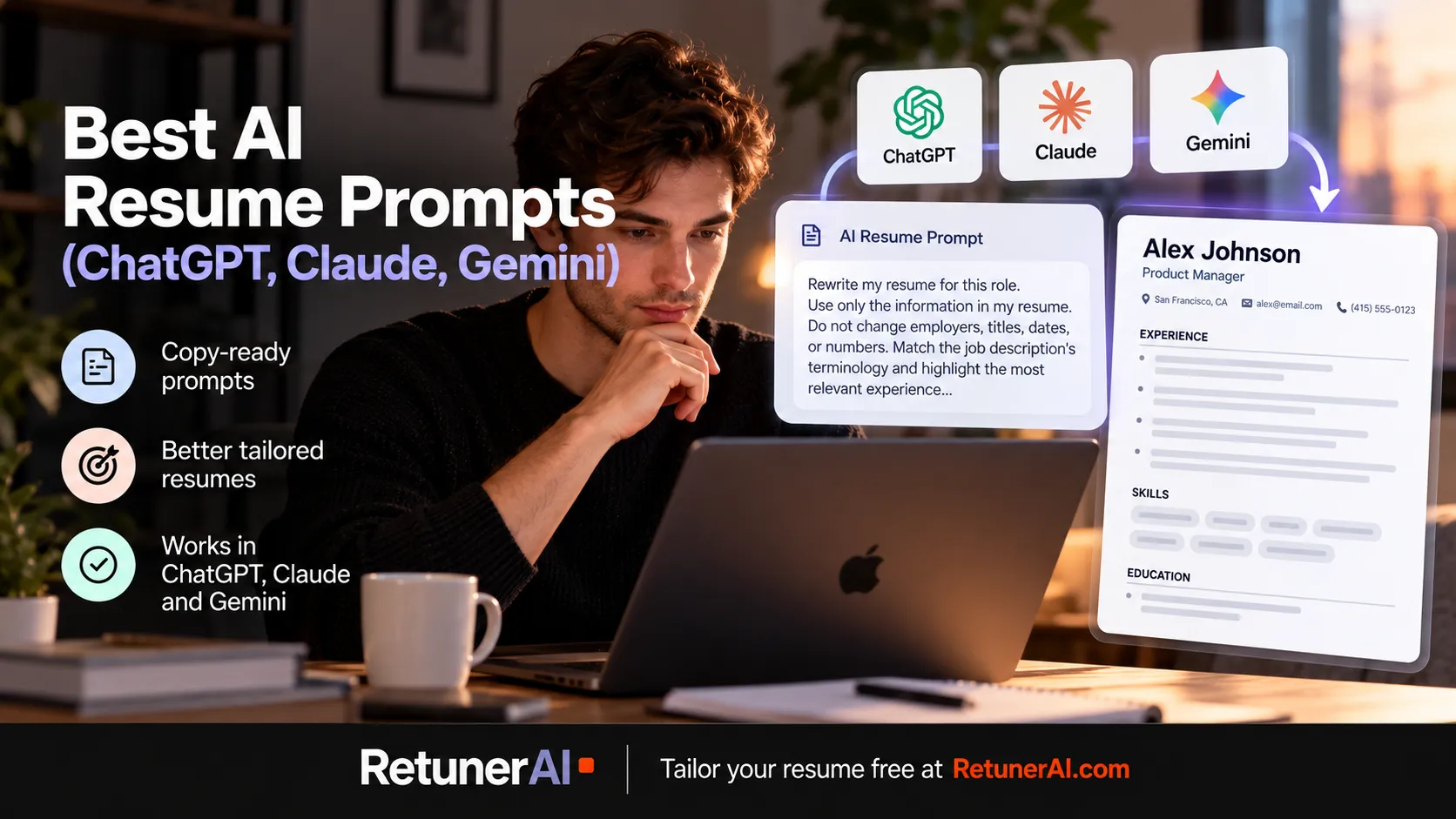
Most lists of AI resume prompts are dozens of one-liners like “make my resume ATS-friendly.” Those rarely produce anything you’d send. The prompts that work are longer, give the AI your real material, and set rules about what it may and may not change.
Quick answer: The best AI resume prompts for ChatGPT, Claude, and Gemini share the same structure: paste or upload your actual resume, paste the full job description, state the target role, and set hard rules (don’t invent skills, tools, or metrics; keep employers, titles, and dates unchanged; leave a bracketed placeholder where evidence is missing). All three assistants handle prompts like this well, so what you put in the prompt matters more than which one you use. The catch is repetition: tailoring properly means running several prompts per application and checking the output each time. RetunerAI turns that into one step. Upload your resume and the job description and get a complete tailored resume in about 10 seconds, with an unlimited 7-day free trial to try it across real applications.
What makes a resume prompt actually work
Whether you use ChatGPT, Claude, or Gemini, a strong resume prompt has five parts:
- Your real source material. The full resume, not a summary of it. The AI can only reframe what you give it.
- The full job description. Not just the job title. The requirements, responsibilities, and wording of the posting are what the tailoring is measured against.
- A defined task. “Analyze,” “rewrite these bullets,” and “rewrite the whole resume” are different jobs. Asking for one at a time gives you more control.
- Hard constraints. The AI should not add experience, tools, certifications, or numbers you didn’t provide. Say so explicitly, every time.
- An output format. Tell it exactly what to return, for example a table, a list of revised bullets, or a full resume in plain text with standard section headings.
The fourth part is the one most prompts skip. A general-purpose assistant is trying to give you the best-looking answer, and if the job description asks for a skill your resume doesn’t show, an unconstrained prompt can produce a resume that claims it anyway. That’s a problem in an interview, not just on paper.
The prompts
These are written as a sequence: analyze first, then rewrite, then check. You can run them in ChatGPT, Claude, or Gemini without changes. Replace anything in square brackets.
1. Job description analysis
Here is a job description: [paste it]. List the 10 most important requirements for this role, ranked by how central they are to the job. For each one, quote the exact wording from the posting. Don’t rewrite anything yet.
Starting with analysis gives you a checklist to judge every later output against, and it shows you what the posting actually emphasizes before the AI starts rewording your experience.
2. Honest gap check
Here is my resume: [paste or upload it]. Compare it against the requirements you just listed. For each requirement, tell me: (a) where my resume already shows it, (b) where I likely have relevant experience that isn’t stated clearly, or (c) where my resume shows no evidence. Do not suggest adding anything to category (c).
This is the step that keeps the rest honest. Category (b) is where tailoring helps most: real experience that’s buried or phrased in a way that doesn’t match how the posting describes it.
3. Full tailoring prompt
Rewrite my resume for this role: [job title] at [company]. Use only the information in my resume. You may reorder sections and bullets, change emphasis, and adjust wording to match the job description’s terminology where it accurately describes what I did. Do not change employers, job titles, dates, or numbers. Do not add skills, tools, certifications, or responsibilities that aren’t in my resume. Where a bullet would be stronger with a metric I haven’t provided, insert [metric] instead of inventing one. Return the full resume in plain text with standard section headings.
This is the main prompt. The rules in it do most of the work, so don’t trim them to save typing.
4. Bullet point rewrite
Here are bullet points from my resume: [paste 3 to 6 bullets]. Rewrite each one to lead with a strong action verb, show what I did and the result, and stay under two lines. Keep every fact. If a result is missing, add [result] as a placeholder. Then, for each placeholder, ask me one question that would help me fill it in.
The follow-up questions are the useful part. Answering them gives you real numbers and outcomes to work with instead of AI-invented ones.
5. Professional summary for this role
Using only my resume and this job description, write a three-sentence professional summary for a [job title] application. Mention my years of experience only if they’re stated in my resume. No buzzwords like “results-driven” or “dynamic.” Write it so a recruiter could tell what I do and why I fit this role within a few seconds of reading.
6. Skills section reorder
Here is my skills section: [paste it]. Reorder it so the skills most relevant to this job description come first. Use the posting’s terminology where it refers to the same skill. Remove nothing and add nothing.
7. Recruiter skim test
Act as a recruiter hiring for this role, skimming my tailored resume quickly. Tell me what stands out in the first pass, what’s unclear, and the three weakest lines for this specific job. Don’t rewrite the resume; just give me the critique.
Asking for critique separately from rewriting tends to give more specific feedback, because the AI isn’t also trying to make its own output look finished.
8. Fabrication audit
Compare my original resume with the tailored version. List every skill, tool, metric, responsibility, or claim that appears in the tailored version but not in the original. Also list any changed dates, job titles, or numbers. If there are none, say so.
Run this one every time, ideally in a fresh chat with both versions pasted in. It catches the additions that are easy to miss when a rewrite reads smoothly. It doesn’t replace reading the final resume yourself.
9. Formatting check
Review this resume for formatting that may be hard for applicant tracking systems or quick human scanning to read: tables, columns, text in headers or footers, graphics, unusual section names, or inconsistent date formats. List the issues only.
Real employer ATS setups vary, so treat this as a readability check rather than a guarantee. Simple structure and standard headings make a resume easier to parse for software and people alike. Our ATS-friendly resume guide goes deeper on formatting.
10. Career-change translation
I’m moving from [current field] to [target field]. Here is my resume and a target job description. Identify experience in my resume that transfers to this role, and rewrite those bullets in terms the target field uses. Do not overstate my level of experience in the new field or claim direct experience I don’t have.
If you’re changing fields, the career change resume guide covers how to structure the whole resume, not just the bullets.
Using these prompts in ChatGPT, Claude, and Gemini
The prompts above work the same way in all three. The practical differences are in setup, not in which assistant writes better resume bullets.
Getting your resume in. ChatGPT, Claude, and Gemini all accept uploaded documents such as a PDF or Word resume, and you can always paste the text instead. If an assistant misreads a heavily designed PDF (columns, sidebars, icons), pasting plain text usually avoids the problem.
Saving a reusable setup. Retyping the rules for every application is where errors creep in. Each assistant has a way to save standing instructions:
- ChatGPT: Projects group chats, files, and custom instructions. They’re available on the Free plan, with a smaller per-project file allowance than paid plans.
- Claude: Projects also hold reference files and instructions that carry across chats in that project, and the Free plan includes them.
- Gemini: Gems are saved custom instructions with optional reference files. Google is transitioning Gems to a feature called skills for personal Google accounts in November 2026, with existing Gems migrated automatically.
Putting your master resume and the constraint rules from prompt 3 into one of these saves retyping and keeps the rules consistent.
Free plan limits. All three have free plans that can run these prompts. Each also limits usage on the free tier, which you’re more likely to notice when running eight or nine prompts per application across several applications in a day.
For tool-specific walkthroughs, see our guides to using ChatGPT for your resume and job search and using Claude for your resume and job search.
Mistakes that make AI resume output worse
- No job description in the prompt. Without it, “tailor my resume” has nothing to tailor to, and you get generic polish.
- Accepting the first draft. The first output is a draft. The audit and skim-test prompts exist because smooth-sounding text can still be wrong or vague.
- Letting the AI fill gaps. If the posting asks for something your resume doesn’t show, the honest options are to leave it out or address it in your own words, not to let the model add it.
- Chasing keywords over meaning. Matching the posting’s terminology helps where it accurately describes your work. Repeating keywords that don’t describe your work makes the resume weaker for the person reading it.
- One long mega-prompt. Asking for analysis, rewriting, and critique in one message usually gives you a shallower version of each.
When the prompt chain stops being worth it
For one application, running these prompts by hand is fine. The issue is doing it for every application: paste the resume, paste the new job description, run the analysis, run the rewrite, audit it, check the formatting, then rebuild the result into a document you can actually submit. If you’re applying to several roles a week, that cycle repeats each time.
RetunerAI is built for exactly that repeated workflow. Upload your resume, provide the job description, and choose one of three ATS-friendly templates. RetunerAI analyzes the resume together with the job description and generates a complete tailored resume in about 10 seconds. You review it, edit anything you want, and download it. There’s no prompt to write or maintain, and the output is already a formatted resume rather than chat text you still have to copy into a document.
The goal is the same one the constraints in prompt 3 are trying to enforce: natural, professional, job-specific writing based on your actual experience, without blind keyword stuffing. If a skill isn’t supported by your background, RetunerAI shouldn’t invent it, though you should still review the result before applying, just as you would with any AI output. When the application also needs a cover letter, RetunerAI’s Cover Letter Generator produces a matching one for the same job in about 10 seconds.
You don’t have to decide up front whether this beats your prompt chain. RetunerAI includes an unlimited 7-day free trial, so you can tailor resumes for multiple real applications, compare the results with what your prompts produce, and then decide whether to continue with a paid subscription.
If you’d rather understand the manual method first, our guide on how to tailor your resume to a job description walks through it step by step. And if you’re already tailoring and still not hearing back, this diagnostic looks at what else might be going on.
FAQ
What is the best AI prompt for a resume? The best resume prompt gives the AI three things: your actual resume, the full job description, and explicit rules. The rules should say what to change (emphasis, order, wording), what not to change (employers, titles, dates, numbers), and what to do when evidence is missing (leave a bracketed placeholder instead of inventing it). A short prompt without the job description or those rules usually produces generic output.
Do the same resume prompts work in ChatGPT, Claude, and Gemini? Yes. All three accept a pasted or uploaded resume and a pasted job description, and the prompts in this guide are written to work in any of them without changes. The main differences are in how you save a reusable setup: Projects in ChatGPT and Claude, and Gems in Gemini, which Google is transitioning to skills for personal accounts in November 2026.
How do I stop AI from making things up on my resume? Tell it directly not to add skills, tools, metrics, employers, or responsibilities that aren’t in your resume, and ask it to use bracketed placeholders like [number] where a detail is missing. Then run a separate audit prompt that compares the tailored version with your original and lists every claim that wasn’t in the original. You still need to read the final version yourself before applying.
Can I use these resume prompts for free? Yes. ChatGPT, Claude, and Gemini all have free plans that can handle these prompts, including working from a pasted or uploaded resume. Free plans have usage limits, which can matter if you’re running several prompts per application across many applications.
What does RetunerAI do? RetunerAI is an AI resume-tailoring tool. You upload your resume, provide the job description, and choose one of three ATS-friendly templates, and RetunerAI generates a complete tailored resume in about 10 seconds, based on your actual experience rather than blind keyword stuffing. You review and edit it before downloading, and RetunerAI’s Cover Letter Generator can produce a matching cover letter for the same job. RetunerAI includes an unlimited 7-day free trial, so you can tailor resumes for multiple real applications before deciding whether to continue with a paid subscription.
Ready to tailor your resume for a real job?
Turn your base resume into a job-specific ATS-ready version in about 10 seconds.
- · Match your resume to the actual job description
- · Generate a polished ATS-ready PDF
- · Review and edit before you apply
Tailor my resume free
"I finally got an offer after using it." — from a user email
More Career Resources
How to Use ChatGPT for Your Resume and Job Search
How to use ChatGPT for resume writing, tailoring, cover letters, and job applications, with practical prompts and where a dedicated resume tool fits in.
How to Use Claude AI for Your Resume and Job Search
How to use Claude for resume writing, tailoring, cover letters, and job applications, with practical prompts to try and where a dedicated resume tool fits in.
How to Write a Cover Letter with ChatGPT (Without Sounding Generic)
What ChatGPT is actually good at for cover letters, where AI-written ones tend to go wrong, practical prompts to try, and where a dedicated tool fits in.