How to Write a Cover Letter with ChatGPT (Without Sounding Generic)
A cover letter is a strange writing task: short, formulaic on the surface, and somehow still hard to get right. Asking ChatGPT to just write one is the obvious shortcut, and it works, up to a point.
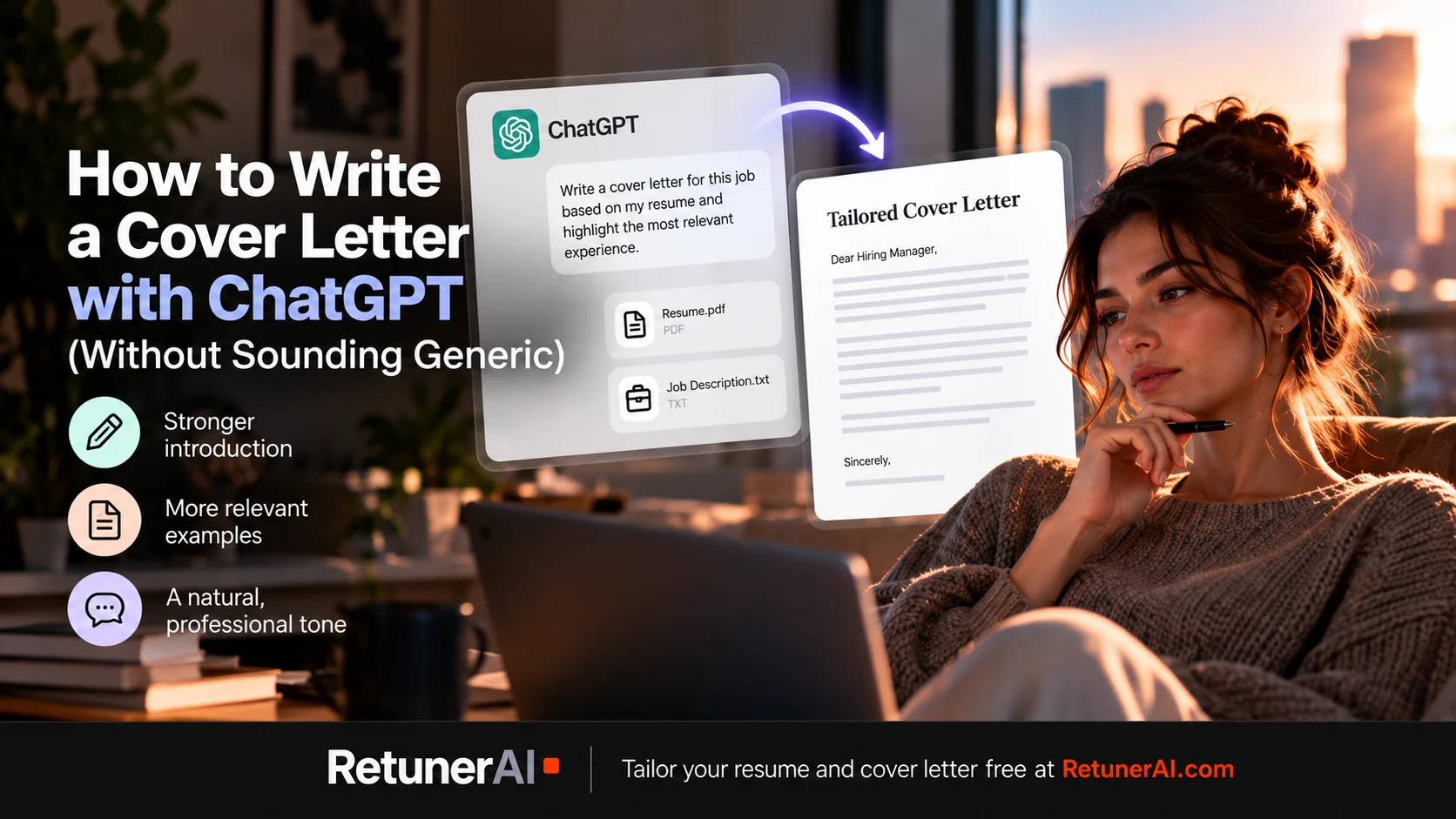
Quick answer: Yes, ChatGPT can write a usable cover letter once you give it your resume, the job description, and clear instructions. But is it the best tool if you’re writing more than one or two? Probably not. With ChatGPT, you’re the one writing and refining the prompt that keeps the output from sounding generic, and doing it again for every application. RetunerAI has that workflow built in: provide your resume and job description, tailor your resume with one click, then generate a matching, job-specific cover letter with a second. RetunerAI includes an unlimited 7-day free trial, so you can try it across multiple real applications before deciding whether to continue with a paid subscription.
What ChatGPT is actually good at here
A first draft from your bullet points. Give it your resume and the job posting, and it can turn a list of qualifications into a structured three- or four-paragraph draft faster than staring at a blank page.
Tightening something you’ve already written. Paste a paragraph that feels clunky or too long, and ask it to make the point more directly. This tends to work better than asking it to write from nothing, since you’re keeping your own content and just improving the delivery.
Matching tone to the posting. If a job description reads formal and corporate versus casual and direct, you can ask ChatGPT to adjust the register of a draft to match, which is a genuinely fiddly thing to do well by hand.
Where AI-written cover letters tend to go wrong
The tell isn’t bad grammar, AI output reads cleanly. A weak or underspecified prompt can still produce broad enthusiasm statements without anything specific behind them (“I am excited about the opportunity to contribute to your team’s success”), restating the job title back at the reader instead of connecting it to actual experience, and phrasing general enough that it could apply to almost any applicant for almost any role at almost any company.
None of this is unfixable, it’s what happens when the job description isn’t doing real work in the prompt, and when there’s no pass to cut anything that sounds like it came from a template.
A few prompts worth trying
For a tighter opening paragraph:
Here’s my resume: [paste it]. Here’s the job posting: [paste it]. Write an opening paragraph that connects one specific thing from my background to what this role actually needs, not a general statement about my interest in the company.
For cutting generic phrasing:
Here’s a paragraph from my cover letter: [paste it]. Rewrite it to remove vague enthusiasm language and generic phrases that could apply to any applicant. Keep it specific to my actual experience.
For matching the posting’s tone:
Here’s the job description: [paste it]. Here’s my draft cover letter: [paste it]. Adjust the tone to match how this posting is written, without changing the content or adding anything I haven’t actually done.
Treat what comes back as a draft to edit, not a finished letter. The paragraphs that still sound generic after a first pass are usually the ones worth rewriting by hand.
Where a dedicated tool fits in
If you’re writing one cover letter, the prompt-and-edit process above works fine. If you’re applying to several roles a week, doing that cycle each time, upload, prompt, review, rewrite the generic parts, adds up the same way it does for resume tailoring.
RetunerAI’s Cover Letter Generator takes your resume and a specific job description and produces a complete cover letter in about 10 seconds, matched to that posting. In practice it’s a second click after tailoring your resume to the same job: one click handles the resume, the next handles the cover letter, both built on the same job description you already pasted in. It’s built around the same goal as the resume tailoring: natural, professional writing based on your actual experience, not generic filler that reads like it was written for any job at any company. You review and edit the result before downloading, same as the resume workflow, and the template stays consistent whether it’s your first cover letter or your fiftieth.
You also don’t have to pay first to find out whether the faster workflow is worth it. RetunerAI includes an unlimited 7-day free trial, so you can generate cover letters and tailor resumes for multiple real applications, review the results, and decide after actually using it, not before.
“I finally got an offer after using it.” — from a user email
If the resume itself is the bigger question right now, this diagnostic is a good place to start, and if you’re applying and hearing nothing back at all, here’s what that usually means.
FAQ
Is it okay to use ChatGPT to write a cover letter? Yes, for a first draft or for editing something you’ve already written. The biggest risk is treating the first draft as finished: if the prompt doesn’t include enough specific context from your experience and the job description, the result can still sound generic.
Can I use AI to write a cover letter for free? Yes. ChatGPT’s free plan can draft and edit cover letter content, including from an uploaded resume and pasted job description. Usage is limited on the free plan.
What makes an AI-written cover letter sound generic? Mostly the same few patterns repeated across paragraphs: broad enthusiasm statements without specifics, restating the job title instead of connecting it to your actual experience, and phrasing that could apply to nearly any applicant for nearly any role.
What does RetunerAI’s Cover Letter Generator do? It takes your resume and a specific job description and produces a complete cover letter in about 10 seconds, matched to that posting. You review and edit it before downloading, and it’s built on the same goal as RetunerAI’s resume tailoring: natural, professional writing based on your actual experience, not generic filler.
Ready to tailor your resume for a real job?
Turn your base resume into a job-specific ATS-ready version in about 10 seconds.
- · Match your resume to the actual job description
- · Generate a polished ATS-ready PDF
- · Review and edit before you apply
Tailor my resume free
"I finally got an offer after using it." — from a user email
More Career Resources
Best AI Resume Prompts (ChatGPT, Claude, Gemini)
Copy-ready AI resume prompts that work in ChatGPT, Claude, and Gemini: job description analysis, tailoring, bullet rewrites, and a fact-check pass, plus where a dedicated tool fits in.
How to Use ChatGPT for Your Resume and Job Search
How to use ChatGPT for resume writing, tailoring, cover letters, and job applications, with practical prompts and where a dedicated resume tool fits in.
How to Use Claude AI for Your Resume and Job Search
How to use Claude for resume writing, tailoring, cover letters, and job applications, with practical prompts to try and where a dedicated resume tool fits in.