How to Use Claude AI for Your Resume and Job Search
If you’re already using Claude for other things, it’s a reasonable question: can it actually help with your resume and job search, or is that better left to a dedicated tool?
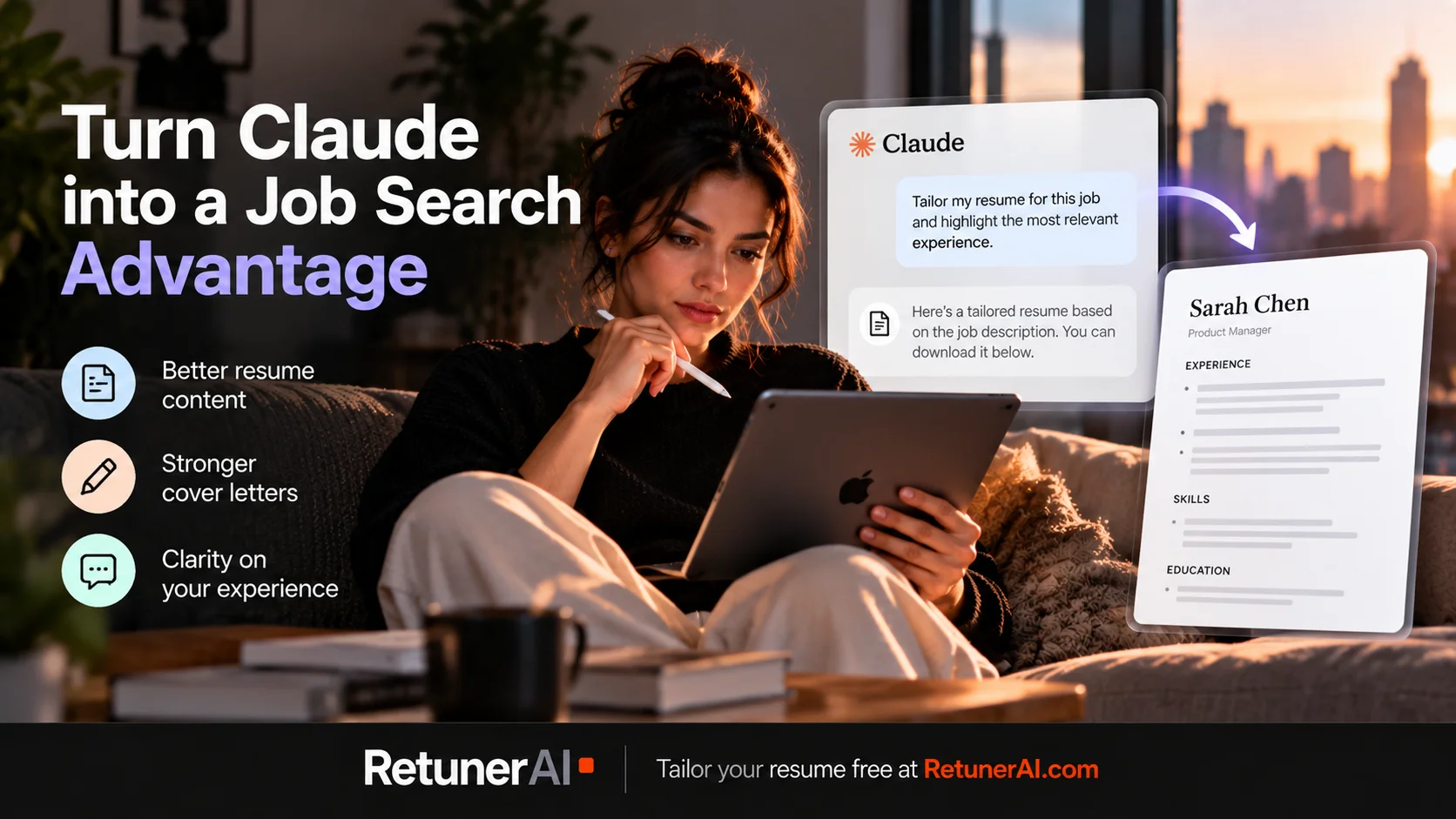
Quick answer: Claude can work directly with uploaded resume files and can now generate downloadable Word and PDF documents, so it’s genuinely capable of resume editing, rewriting, and tailoring. The difference from a dedicated tool is the workflow: Claude tailors a resume through conversation, prompt by prompt, while a tool like RetunerAI turns the same task into one step (more on that below).
What Claude is actually good at for a job search
Claude works well as an editor and a thinking partner. A few things it handles well:
Rewriting weak bullet points. If you paste in a vague line like “responsible for managing projects” and ask it to make the impact clearer, it can help you turn that into something more specific, assuming you give it the actual details (what you managed, the scale, the outcome). A good prompt should explicitly tell Claude not to invent achievements, metrics, or experience that aren’t supported by what you’ve actually given it.
Explaining why something isn’t landing. You can paste a bullet point or a whole section and ask what’s unclear or generic about it. This kind of feedback is often more useful than a generic “make it better” request.
Drafting a cover letter from bullet points. Give it your key qualifications and the job posting, and it can produce a reasonable first draft to edit, which is usually faster than staring at a blank page.
Talking through how to frame a career change or a gap. Explaining your situation in plain language and asking how to present it professionally tends to work better than trying to write that framing yourself from scratch.
Where Claude still requires more setup
Claude can work directly with uploaded resume files, including DOCX and PDF, and with file creation enabled, it can generate downloadable Word and PDF documents. So you don’t necessarily have to copy and paste every section of your resume or manually rebuild the final document by hand.
The difference is the workflow. Claude is a general-purpose assistant, so tailoring a resume still depends on the instructions you give it: upload the files, explain what you want changed, specify what has to stay factual, decide how aggressively to tailor it, review the output, refine anything that missed the mark, and generate the finished document.
That flexibility is genuinely useful when you want to work through a resume conversationally, thinking out loud about how to frame something. But there’s no persistent template behind it: each new conversation starts from zero, so you’re re-explaining your formatting preferences, what counts as ATS-friendly for you, and how aggressively to tailor, rather than working from a structure that’s already set up for that. If you’re comparing how your resume should look across several different postings, that also means several separate conversations instead of one consistent process.
A few prompts worth trying
For tightening a bullet point:
Here’s a bullet from my resume: [paste it]. Here’s the job description I’m applying to: [paste it]. Suggest a version that better reflects the language and priorities in the posting, without adding anything I haven’t actually done.
For a cover letter draft:
Here’s my resume: [paste it]. Here’s the job posting: [paste it]. Draft a three-paragraph cover letter that connects my actual experience to what this role is asking for, in a natural tone, not overly formal.
For framing a gap or career change:
I’m applying for [role] after [describe your situation, career change, gap, etc.]. How would you suggest I frame this on my resume and in a cover letter without it reading as an excuse?
These work well as a starting point. Expect to edit what comes back rather than use it verbatim.
Where a dedicated tailoring tool fits in
Claude can absolutely tailor a resume. If you’re applying to more than one or two roles, though, repeating the upload-prompt-review-export cycle for every application adds up. This is the specific gap RetunerAI, already used by thousands of job seekers, is built for: no prompt to write, and no back-and-forth to land on one finished file. Upload your existing resume and the job description, click, and get a complete, formatted, tailored resume back in about 10 seconds. The template you pick stays the same across every resume you generate, application one and application one hundred alike, so there’s no drift and nothing to re-explain in a new conversation each time. You still review and edit the result before downloading.
RetunerAI’s Cover Letter Generator works the same way, matched to the same job description in about the same amount of time. It’s built around the same goal as the resume tailoring: natural, professional writing based on your actual experience, not generic AI filler that reads like it was written for any job at any company.
FAQ
Is Claude actually good for job applications? Yes. Claude is useful for editing, drafting, tailoring, and thinking through how to present your experience, and it can produce a downloadable resume file too (more on that below). The main difference from a dedicated resume-tailoring tool is the workflow: with Claude you’re guiding the process yourself, conversation by conversation, rather than working from a structure built specifically for resume tailoring.
Can I tailor my resume with Claude for free? Yes. Claude’s free plan can work with uploaded resume files and help rewrite or tailor content, and file creation is available on the free plan when the capability is turned on. Usage is limited on the free plan, so how many resumes you can work through depends on your usage and how involved the conversation gets.
Can Claude create a resume file I can download? Yes. With file creation turned on, Claude can generate Word (.docx) and PDF documents directly in the conversation, including a formatted resume, which you can then download.
What if I don’t have a resume to tailor yet? RetunerAI also has a free resume builder that doesn’t require a paid plan: you fill in your details on one of three ATS-friendly templates and download the result. That’s a separate tool from the tailoring workflow above, useful if you’re starting from scratch rather than adjusting an existing document.
What does RetunerAI actually do? RetunerAI takes your existing resume and a job description and produces a complete tailored resume in about 10 seconds, matching your experience to the language and requirements of that specific posting. You can review and edit the result before downloading it. RetunerAI includes an unlimited 7-day free trial, so you can tailor multiple resumes to different jobs before continuing with a paid subscription.
Ready to tailor your resume for a real job?
Turn your base resume into a job-specific ATS-ready version in about 10 seconds.
- · Match your resume to the actual job description
- · Generate a polished ATS-ready PDF
- · Review and edit before you apply
Tailor my resume free
"I finally got an offer after using it." — from a user email
More Career Resources
Best AI Resume Prompts (ChatGPT, Claude, Gemini)
Copy-ready AI resume prompts that work in ChatGPT, Claude, and Gemini: job description analysis, tailoring, bullet rewrites, and a fact-check pass, plus where a dedicated tool fits in.
How to Use ChatGPT for Your Resume and Job Search
How to use ChatGPT for resume writing, tailoring, cover letters, and job applications, with practical prompts and where a dedicated resume tool fits in.
How to Write a Cover Letter with ChatGPT (Without Sounding Generic)
What ChatGPT is actually good at for cover letters, where AI-written ones tend to go wrong, practical prompts to try, and where a dedicated tool fits in.